Supplement reminders · Routine guide
A supplement reminder schedule you can actually follow
A useful reminder tells you which product is due and gives you a place to record it. Build that routine from the instructions you already have, one bottle at a time.
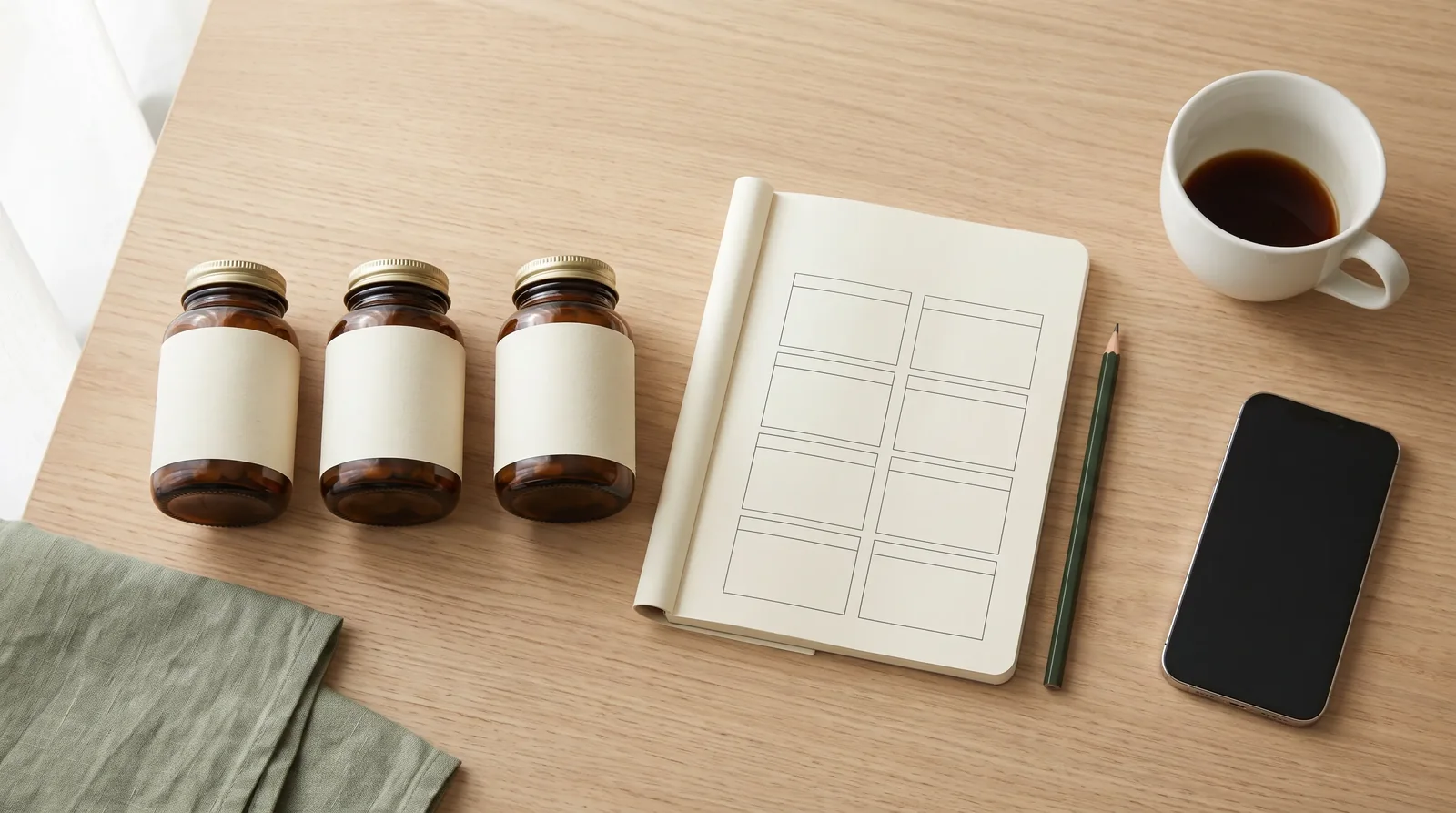
A supplement reminder schedule starts with the product instructions and the routine you already follow. Keep one record for each product, add its agreed days and times, and leave a clear way to record taken or skipped doses. A reminder app can keep those pieces together when a list of alarms becomes difficult to manage.
Start with one record per product
Begin with the bottles and packages you currently use. A multivitamin, a single-ingredient supplement and a prescription may all need a place in the list, even if you bought them in different places or keep them in different rooms.
Record what is actually on the label. Include enough detail to distinguish the product from another bottle with a similar name. Keep the product strength, serving information and your planned intake as separate fields. This is especially useful when two products use different serving sizes.
A complete list is also useful outside the reminder app. The FDA's My Medicine Record is a reference for keeping a medicine list that includes other products you use. Bring the list when asking a healthcare professional to review your routine.
Use a simple supplement schedule template
Copy the headings below into a notebook or spreadsheet, or use them as a checklist while setting up an app. Fill the timing fields from your existing instructions. A blank or uncertain field is something to clarify, not an invitation to invent a time.
| Field | What to record | Why it helps |
|---|---|---|
| Product | Exact name, form and strength | Distinguishes similar bottles |
| Intake | The amount in your current instructions | Keeps the label strength separate from the scheduled dose |
| Days | The days or frequency you follow | Avoids treating every product as a daily one |
| Reminder time | The time in your agreed plan | Makes the notification specific |
| Notes | Relevant label or professional instructions | Keeps context beside the reminder |
| Daily record | Taken, skipped or not yet logged | Separates a plan from what happened |
Keep an as-needed product identifiable as as-needed. Do not turn every item stored in your cabinet into a repeating reminder merely because it appears in the list.
Make each reminder easy to recognise
“Take vitamins” may be enough when there is one familiar bottle. It becomes ambiguous when several products have different instructions. Use a name that maps back to the product record and make the relevant information easy to find when the notification arrives.
Before activating a full routine, review the plan as a whole. Check for duplicate records, old products you no longer use and reminders attached to the wrong days. If the same product appears twice because you scanned a replacement bottle, make sure the schedule still represents one intended routine.
Do not rely on an illustration, a default “morning” setting or a generic online schedule to choose treatment timing. Meal instructions and spacing questions need to be resolved for the specific products you use. Our interaction-checker overview explains the role of available safety context.
When is a supplement reminder app useful?
A notebook gives you a visible plan. An alarm gives you a prompt. A supplement reminder app becomes useful when you also want a product record and a log of what happened after that prompt.
Consider an app if you regularly search old bottle photos, cannot distinguish similar product names, or want to review taken and skipped records together. If the main problem is remembering a single time, a simpler tool may already meet the need. Our pill reminder app comparison covers several different approaches.
Build the routine in StackMyMed
StackMyMed links a scanned label to a saved product, schedule and dose history. Start with the supplement label scanner, review what it extracted and save the product. Then set the schedule you want to follow. Reminder times can be set manually for each product.
Use the supplement tracker to keep the product record available and supplement reminders to organise the daily routine. The same app can hold medication records, so a mixed routine does not have to live in separate notes and bottle photos.
The public iPhone app supports taken and skipped dose logging and offers a start with up to five scans. Check the current App Store listing for device requirements, subscription details and availability. To understand the limits of AI-extracted information and interaction results, read our methodology and coverage notes.
Review the record when the routine changes
Keep the plan current when you replace a product, receive different instructions or stop using an item. A reminder connected to an old product record can remain confusing even if the time itself is correct.
Look at the record as information rather than a score to protect. A skipped or unlogged entry is more useful than a completed mark that does not reflect what happened. Use the product instructions or ask your pharmacist about a missed dose; a tracking gap is not a recommendation to compensate with an extra intake.
Common questions
Should all supplement reminders be set for the morning?
No single time works as a general scheduling rule for every product. Record the instructions for your own routine and get unclear timing questions checked before setting the reminders.
Can I keep medication and vitamin reminders together?
Yes. StackMyMed supports both kinds of product records. Keep each product's directions distinct, and remember that storing products together does not establish that their combination is appropriate.
What is the difference between a reminder and a tracker?
A reminder prompts you about the plan. A tracker records what happened. A combined workflow lets you connect the product details, scheduled time and taken or skipped record.
How do I begin on an iPhone?
Gather the product information first. Then follow our iPhone reminder setup guide, which covers Apple Health and when to consider a dedicated app.
Published by the maker of StackMyMed. Product descriptions were checked against linked official sources on 6 September 2026. Read our editorial approach or report a correction.
StackMyMed for iPhone
Turn your bottle labels into an organised routine.
Scan labels, set your product schedules and record taken or skipped doses. Start with up to five scans.
Download on the App Store ↗Explore supplement reminders